


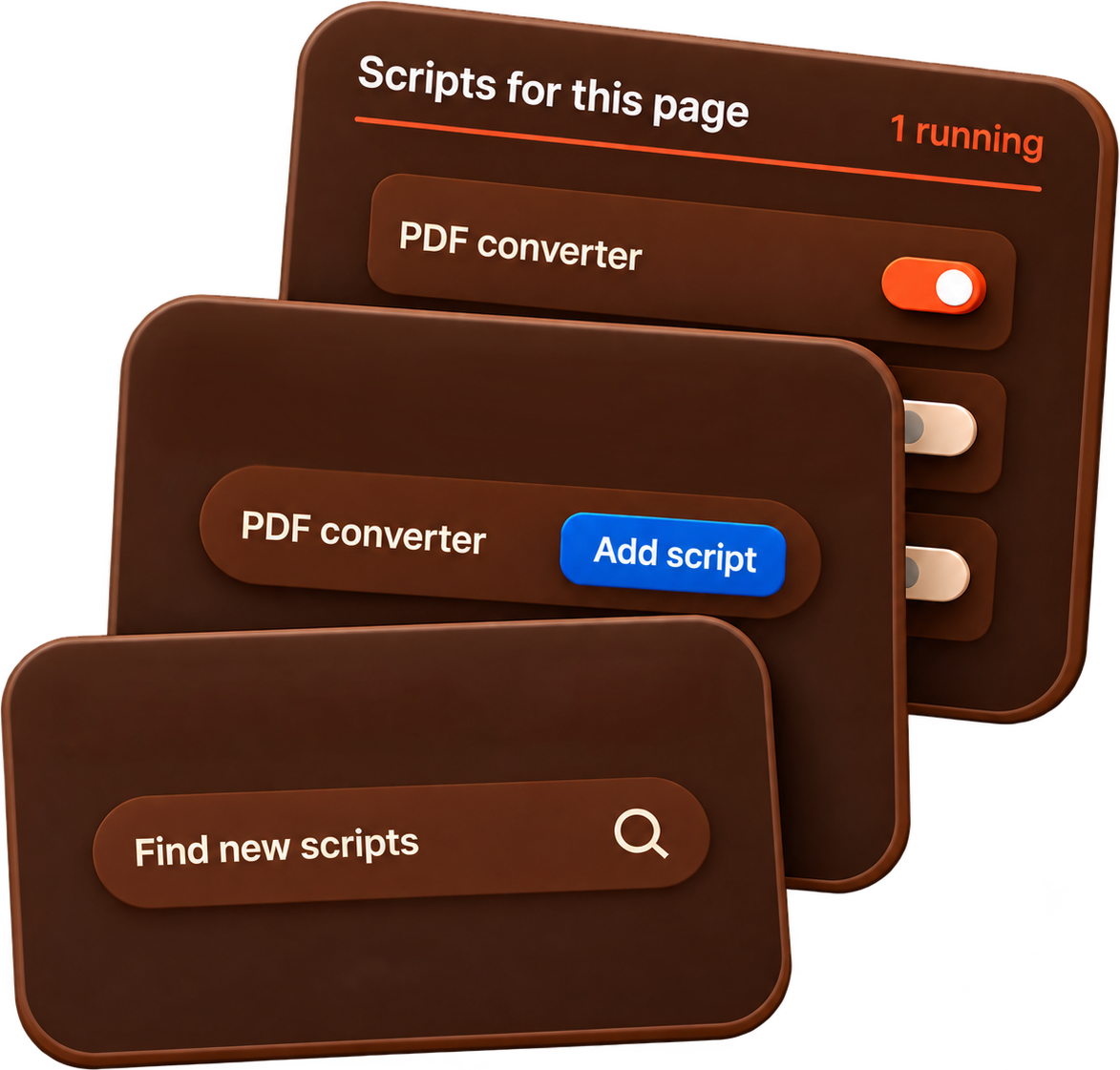


PDF converter
Turn supported content into PDFs and work with documents using a compatible script.
Documents


A browser extension for managing website scripts
Install and manage custom scripts that add features and change how websites work in your browser.
Scripts are installed separately. Scripts come from separate sources and can affect the websites they run on. Only allow scripts from trusted sources.
Lightwork Scripts helps you customize how websites work. It manages userscripts—small JavaScript programs that add features or change how a page behaves. Install compatible scripts, then manage or switch them on and off from one place. A script might add a shortcut button, adjust a page, or automate a repetitive task such as filling in a form. You can use scripts created by other users without writing code yourself, and tailor your browsing experience one website at a time.
Click “Add to AppleWebKit - it’s free”
Click “Add Extension” in your browser

After installing, enable user scripts on the extension onboarding page

Turn supported content into PDFs and work with documents using a compatible script.
Documents
Save videos from supported websites with a script designed for that site.
Video & media
Automate repetitive clicks and add shortcuts that fit your everyday workflow.
ProductivityScripts are installed separately. Scripts come from separate sources and can affect the websites they run on. Only allow scripts from trusted sources.